

Create custom hand and wrist splints with one software package
Design 3D-printed hand and wrist splints straight from a scan or cast. Trim the thumb, palm and arm sections, add a dorsal connector, strap cutouts and ventilation, then send the finished splint straight to your printer.
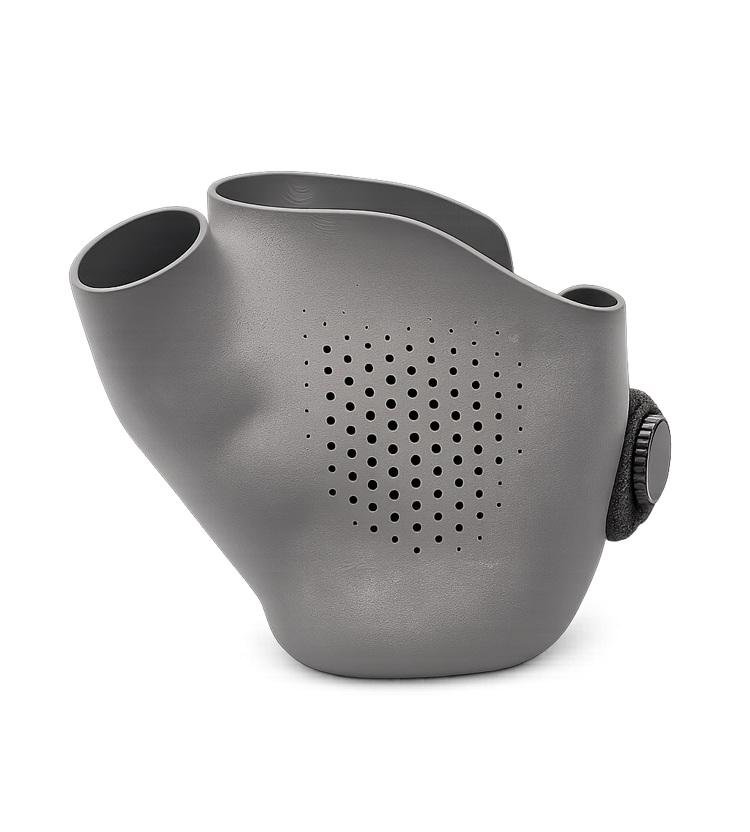
Wrist & thumb support
Immobilise the wrist and thumb with a snug, scan-based fit.
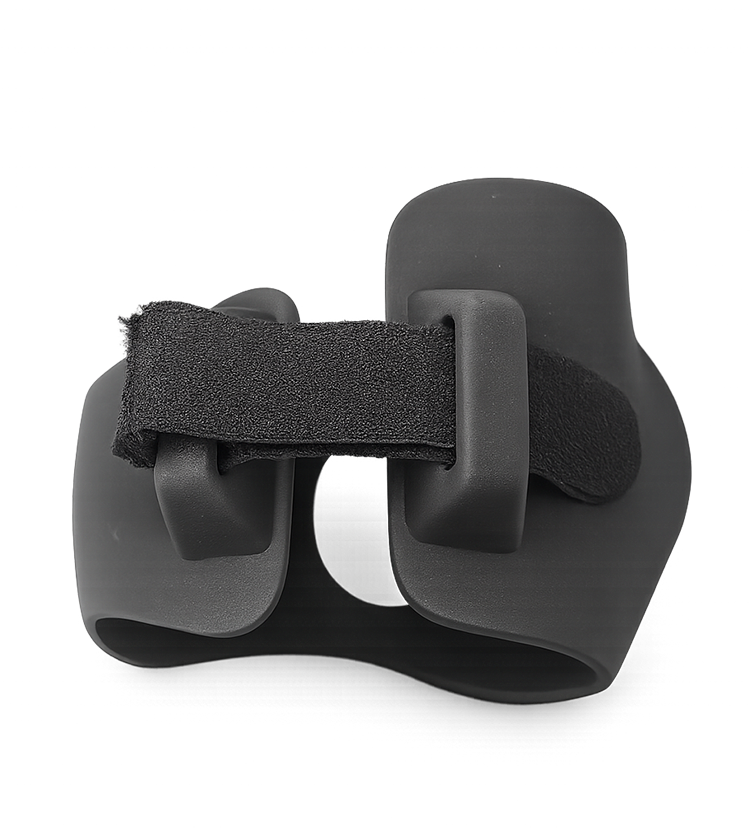
Dorsal connector splints
Join the palm and arm parts across the back of the hand for easy donning.
Ventilated & lightweight
Perforate the shell for a breathable, low-weight splint patients keep wearing.
Feature highlight
Trim the splint with four dedicated hand sections. LutraCAD auto-computes the limb centre line, so you click once to set the thumb, palm and arm cut heights, with a live cross-section preview.
Add a dorsal connector that joins the palm and arm parts across the back of the hand, then set the dorsal opening width and a fillet to soften where the parts meet.
Shape the thumb tube to the patient with a single thumb-diameter value. The model recalculates immediately and every change is kept in the history, so you can adjust or revert it at any time.
Place strap cutouts per group: rivet anchor holes, rivet return slots or strap loops. Set how many and how far from the trim edge, for a clean and secure closure.
Perforate the shell with a hex hole pattern for ventilation and weight, and add individual drawn holes exactly where you want them.
Fine-tune the fit with local edits: push or pull a volume region, smooth a single area, or smooth the whole splint with one factor.
Do you want to
know more about our hand splint software?